Publish
Once a workload has been configured, users can published it to a set of clusters as determined by the "Placement Policy".
The Controller allows users to perform this via multiple approaches
- Web Console (or)
- RCTL CLI (or)
- REST APIs
Multi Cluster Deployments
The Controller allows users to publish/deploy their workloads to "multiple" clusters as defined in the workload's placement policy.
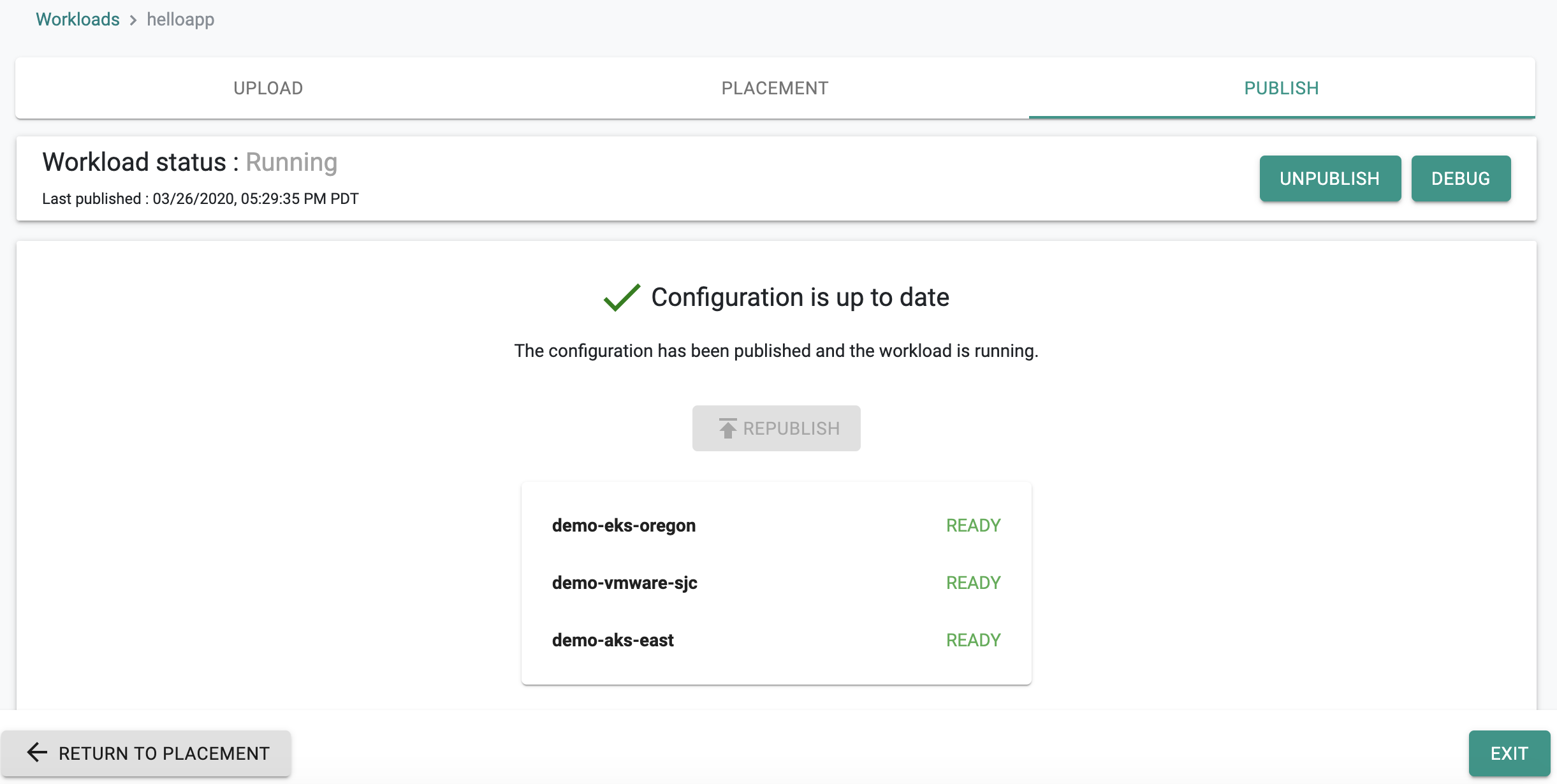
In the example below, the "helloapp" workload has been deployed to three (3) clusters managed by the Controller.
Deployment Control Loop
Once publish is initiated, a deployment "control loop" is created on the Controller for the workload.
Important
Do not initiate a publish or unpublish operation while another publish or unpublish is already in progress for the same workload. Wait for the current operation to complete before starting a new one. Starting a new publish or unpublish while one is in progress can leave the workload sync in an unpredictable state.
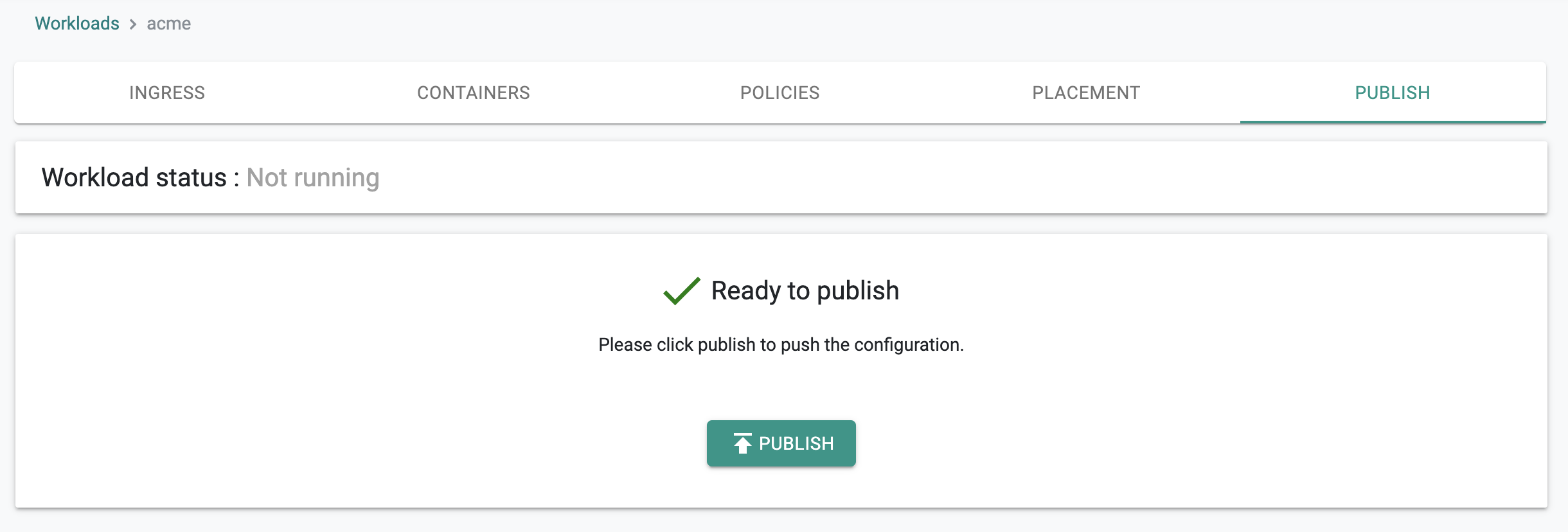
Step 1
The controller notifies the target clusters that they have a job to perform
Step 2
The target clusters PULL the workload configuration from the Controller
Step 3
The target clusters PULL the container images from the container repository and and deploy the Kubernetes resources as specified in the workload.
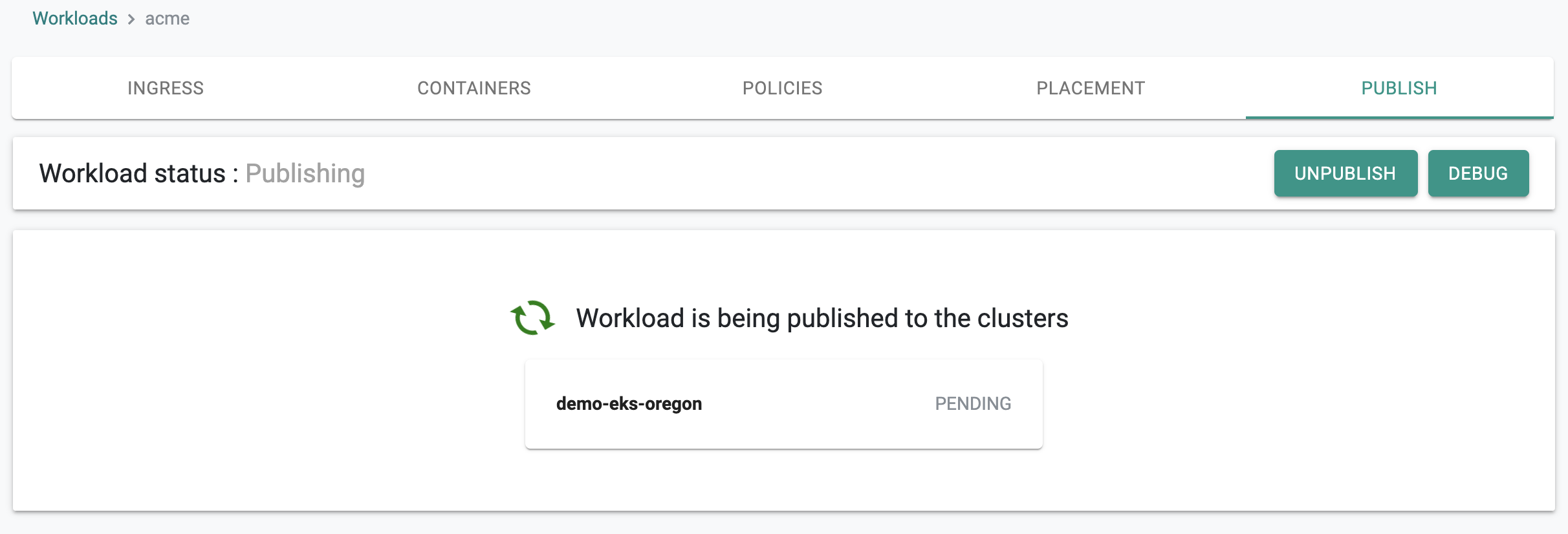
Step 4
Once the workload's resources are operational on the target cluster, the controller is notified about the successful deployment
Step 5
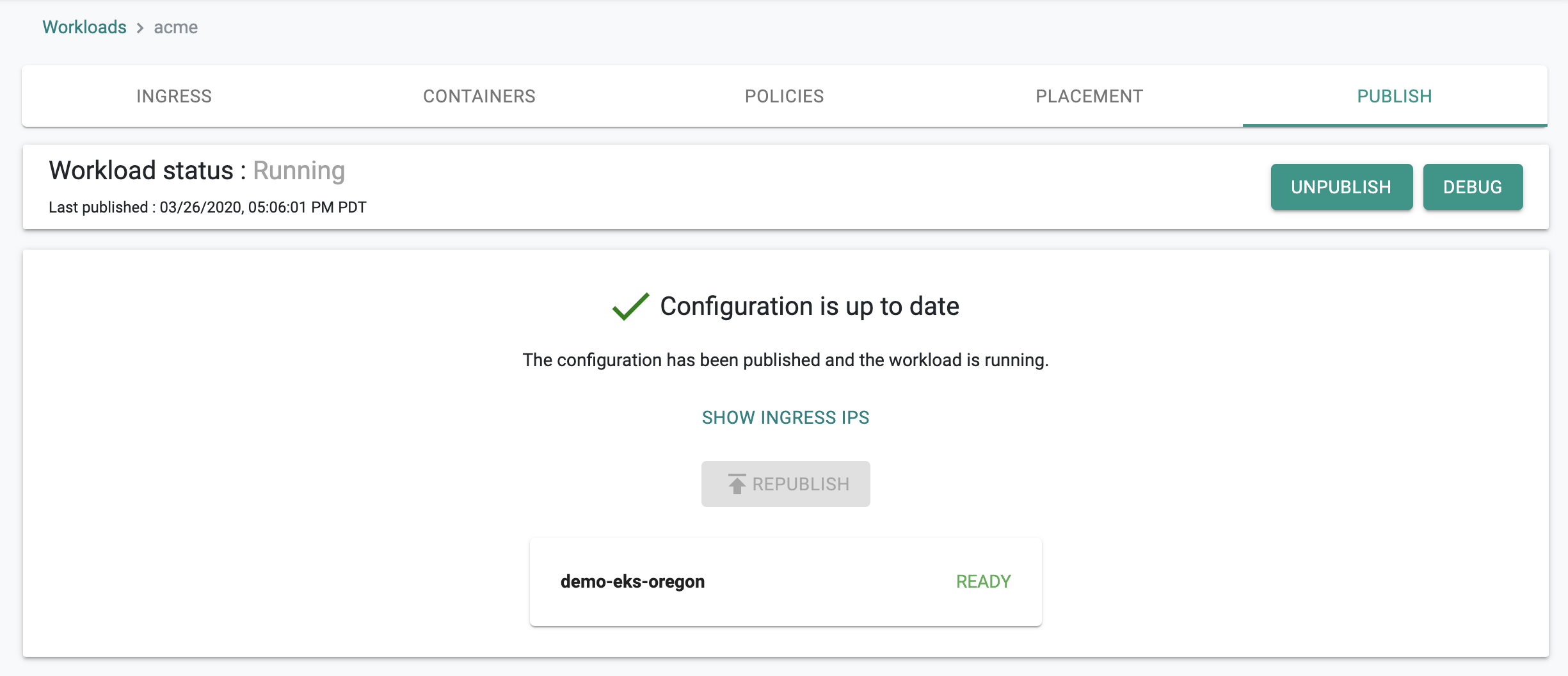
Once the controller receives confirmation of a successful deployment, it updates status appropriately
Ongoing Health Checks
Once the workload has been successfully deployed to all clusters, the workload's deployment Control Loop at the Controller continuously checks whether the workloads on the target clusters are operational or not.
Recovery from Failure
If a workload is no longer in the desired state on a cluster, the Controller will detect it. The Controller does not automatically fix or recreate the workload. It monitors the cluster a fixed number of times and waits for the workload to deploy correctly or become ready. If the workload does not become ready within those attempts, monitoring stops.
Workload owners are also notified when there a workload has a failure on one/many clusters.
Wizard based Workloads
For workload wizard based workloads, the controller implements a number of guard rails before deployment is intiated.
The checks are automatically performed to ensure there are no misconfigurations. A self explanatory error message is displayed if the checks fail.